


EQID + nickname
Each installation gets a unique EQID and auto-login. Assign a friendly nickname like “SCANNER” for quick identification.
Auto-provision an EQID, scan 1D/2D codes instantly, and route results to one or many linked PCs — with queued delivery and real-time status tracking.
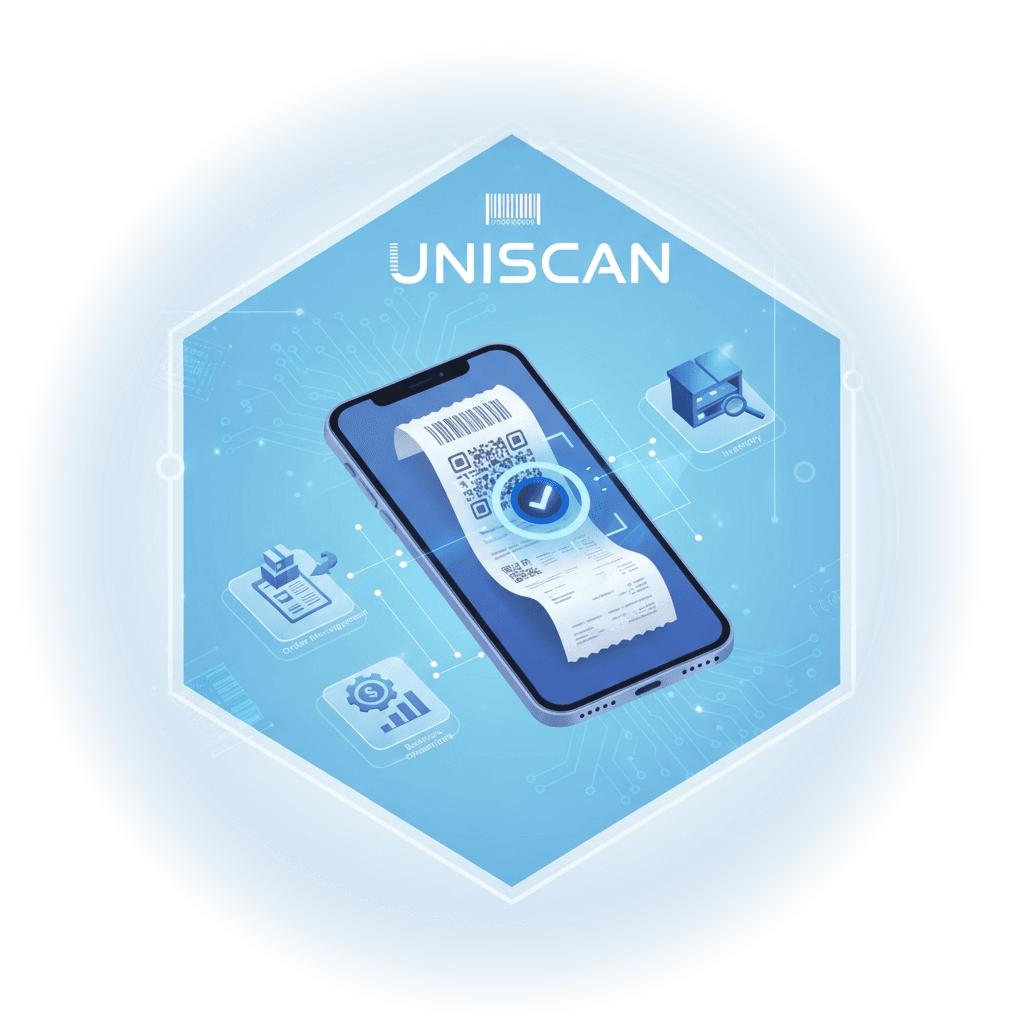
Install the app, get an EQID instantly, and start scanning — no manual login required.
UNISCAN is designed for real scanning operations: instant device identity, fast capture, and reliable routing to linked PCs.
Install the app and get an auto-generated EQID (AAA123). You are signed in immediately, ready to scan.
Scan 1D/2D barcodes with a focused UI. Every scan is stored in Results with Queued / Sent / Failed delivery states.
Link multiple PCs and broadcast one scan to many. Toggle devices on/off, remove safely with confirmation, and monitor connection/activity at a glance.
A lightweight scanner experience with a clear identity (EQID), easy device linking, and delivery status you can trust.
.jpg&w=3840&q=75)
Each installation gets a unique EQID and auto-login. Assign a friendly nickname like “SCANNER” for quick identification.
Every scan is saved to Results as a card item with clear states: Queued, Sent, or Failed.
Capture common barcode formats with a streamlined scanning mode that stays focused on speed and accuracy.
Send one scan to multiple linked PCs at once. Perfect for parallel stations and shared workflows.
Enable/disable devices with a single toggle. Unlink safely with a confirmation step to prevent mistakes.
See connection and activity status per PC so operators know exactly where data is going.
UNISCAN fits receiving, packing, QC, and shipping — wherever speed, routing, and visibility matter.

Install → auto EQID → scan. UNISCAN keeps every scan in Results and shows delivery status, so operators always know what's pending and what's sent.


One scan can be routed to multiple linked PCs. That means fewer re-scans, fewer handoffs, and faster throughput at busy stations.


Link PCs to inspection tools and keep the device list tidy with enable/disable toggles and a safe unlink confirmation step.


When a PC goes offline, scans are clearly marked as queued or failed — making follow-ups and retries straightforward.


Standardize scanning workflows with a consistent EQID identity and device status visibility across teams and locations.


Scan 1D/2D codes quickly, review the latest items in Results, and forward to the right PC with clear state indicators.


Keep scanners and PCs paired reliably and visualize connection and activity so operators can act before issues cascade.


A clean device list (EQID + nickname) and quick controls make rollout and daily support easier for busy IT teams.


UNISCAN’s clear queued/sent/failed states reduce ambiguity and help teams stay aligned even during busy handovers.

Share a few details and we’ll prepare the right demo for your site. This form opens your email client with a pre-filled request (no signup required).