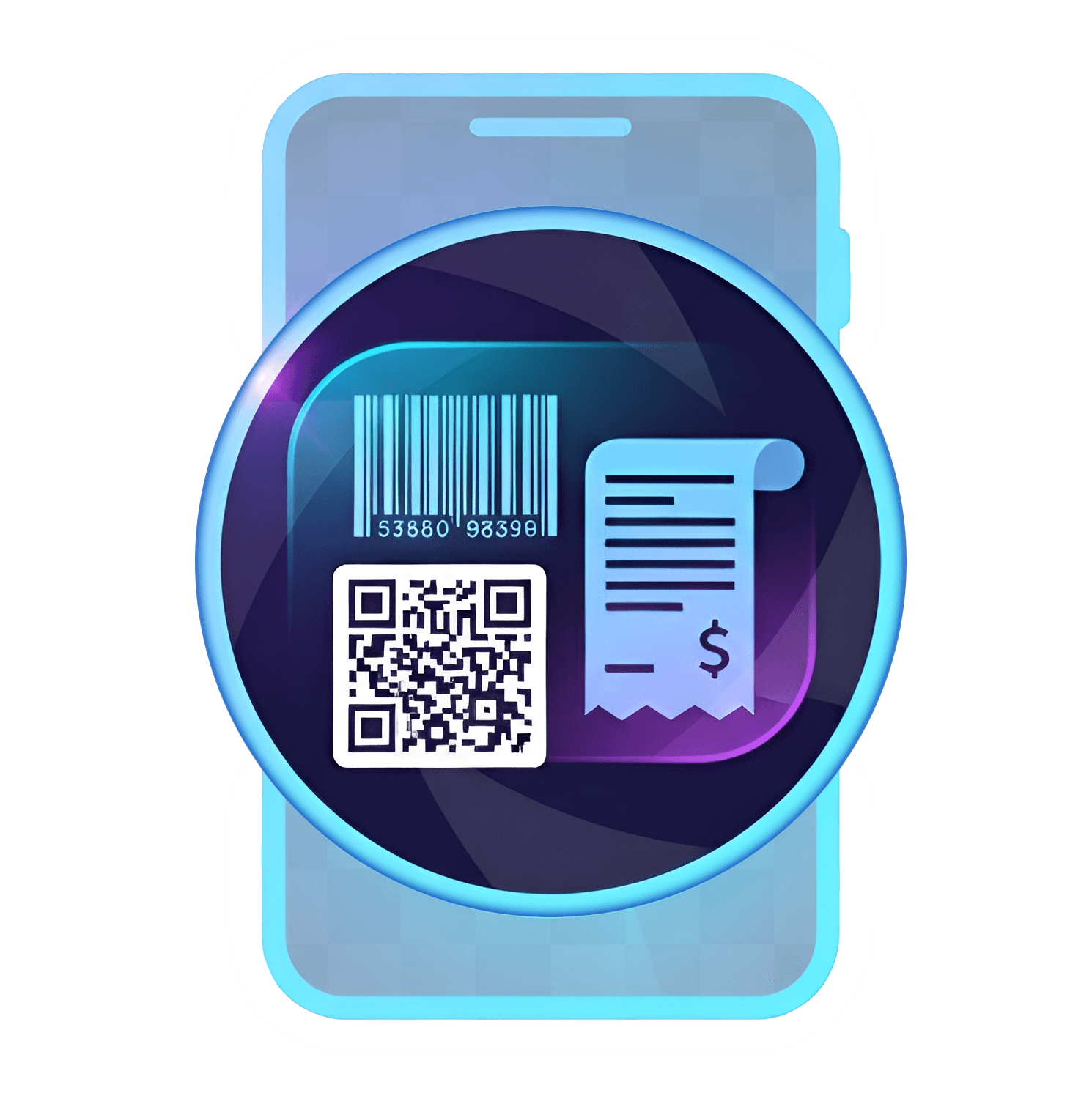



EQID + nickname
Each install gets a unique EQID and auto-login. Assign a friendly nickname like “SCANNER”.
Auto-provision an EQID on install, scan 1D/2D codes instantly, and route results to one or many linked PCs — with clear queued/sent/failed tracking.
.jpg&w=3840&q=75)
Install the app, get an EQID instantly, and start scanning — no manual login required.
Designed for real operations: identity (EQID), fast capture, reliable routing, and visible delivery states.
Install the app and get an auto-generated EQID. Add a nickname (e.g. SCANNER) for quick identification.
Scan 1D/2D barcodes. Each scan becomes a Results card with Queued / Sent / Failed delivery states.
Link PC agents and broadcast one scan to many PCs. Toggle devices on/off and unlink safely with confirmation.
A lightweight scanner experience with a clear identity (EQID), easy device linking, and delivery status you can trust.
.jpg&w=3840&q=75)
Each install gets a unique EQID and auto-login. Assign a friendly nickname like “SCANNER”.
Every scan is saved as a card item with clear states: Queued, Sent, or Failed.
Capture common barcode formats with a streamlined mode focused on speed and accuracy.
Send one scan to multiple linked PCs at once — ideal for parallel stations and shared workflows.
Enable/disable devices with a single toggle. Unlink safely with confirmation to prevent mistakes.
See connection and activity status per PC so operators know exactly where data is going.
Failures don’t disappear. Keep timestamps and error context so retries and follow-ups are straightforward.
EQID identity, fast scanning UI, delivery states, and linked PC management — designed around what operators use every day.
.jpg&w=3840&q=75)
.jpg&w=3840&q=75)
.jpg&w=3840&q=75)
.jpg&w=3840&q=75)
.jpg&w=3840&q=75)
.jpg&w=3840&q=75)
.jpg&w=3840&q=75)
.jpg&w=3840&q=75)
.jpg&w=3840&q=75)
.jpg&w=3840&q=75)
.jpg&w=3840&q=75)
.jpg&w=3840&q=75)
UNISCAN fits receiving, packing, QC, and shipping — wherever speed, routing, and visibility matter.

Install, auto EQID, scan. Delivery states keep shifts aligned and reduce handover ambiguity.


Clean device list with quick toggles and safe unlink confirmation — less operational error.


If a PC goes offline, scans are marked as queued/failed — follow-ups and retries become simple.


Standardize scanning with stable identity (EQID) and per-device visibility across teams and sites.


Fast scanning plus recent Results makes front-desk and returns handling quicker and clearer.

Tell us your process (receiving/QC/packing/shipping), number of linked PCs, and requirements. This opens your email client with a pre-filled request (no signup).